Docs Guides
Choose what gets through
Busy channels post about everything. Word filters keep the posts on your topic and drop the rest — before the digest is built or a post is forwarded.
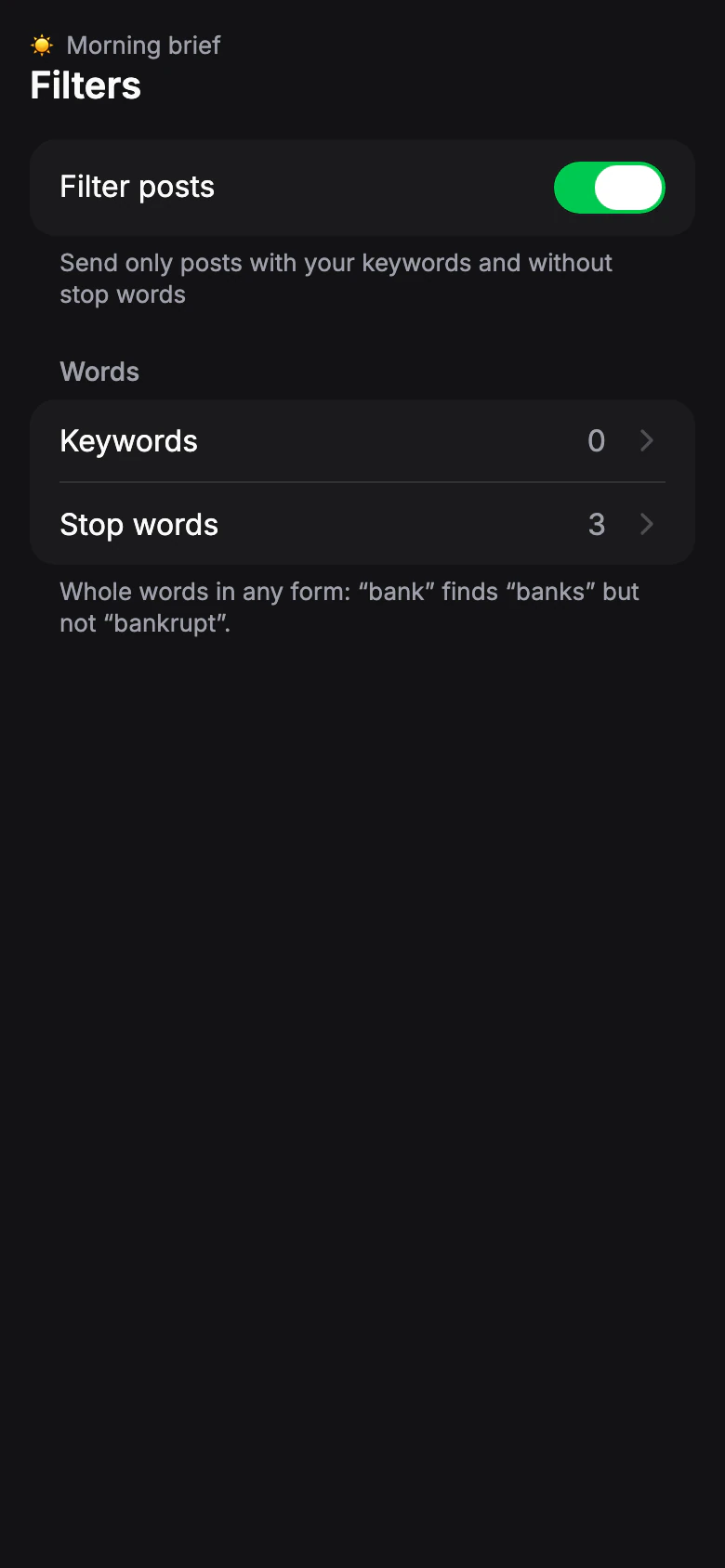
Turn on filters
Open the profile, go to Filters and turn on Filter posts.
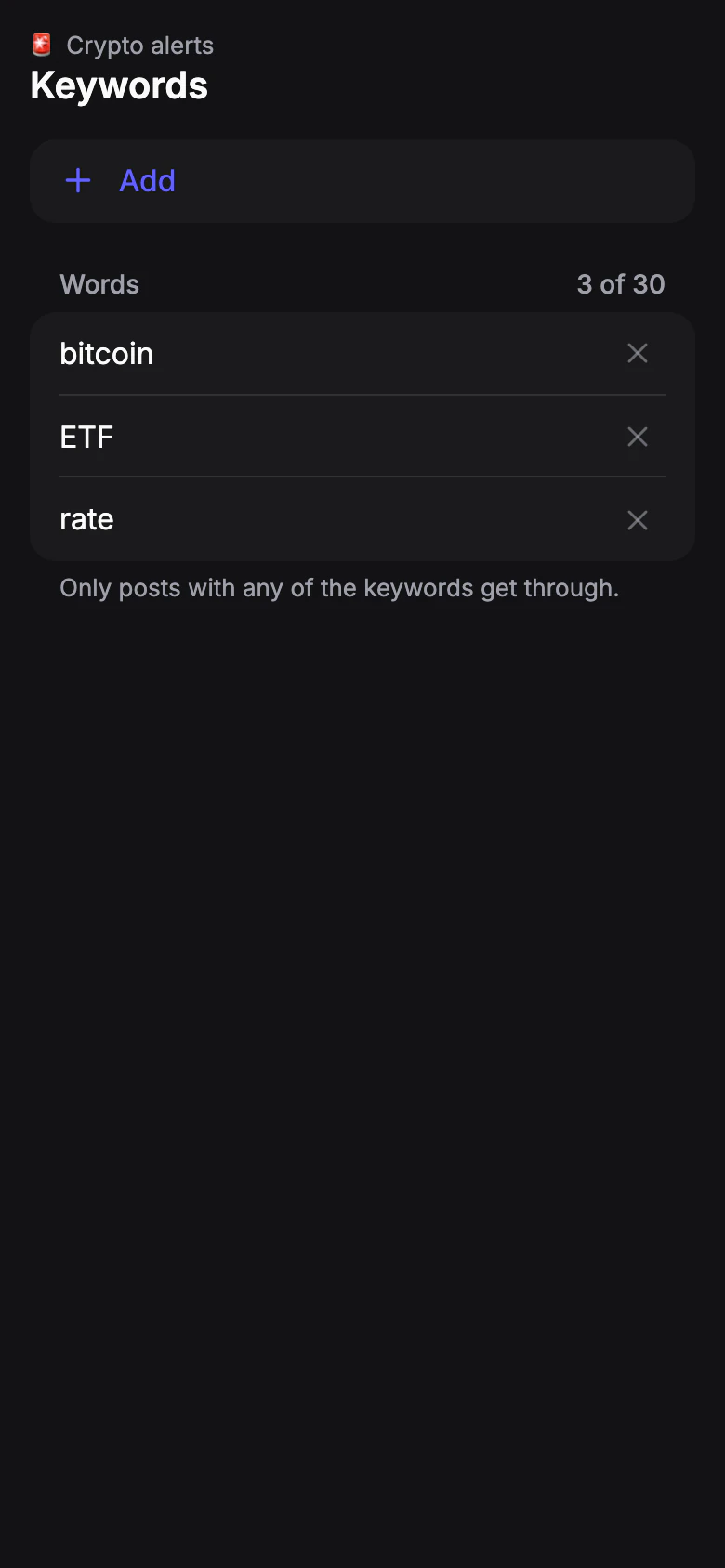
Add keywords
Tap Keywords and add the words your posts must have — for example, “bitcoin”, “ETF”, “SEC”. A post gets through if it has any of them.
Words match in any form: “bank” finds “banks” but not “bankrupt”.

Add stop words
Tap Stop words and add what you never want to see — for example, “giveaway” or “promo”. A post with a stop word is skipped, even if it also has a keyword.
Need only to drop things? Leave keywords empty and add just stop words.
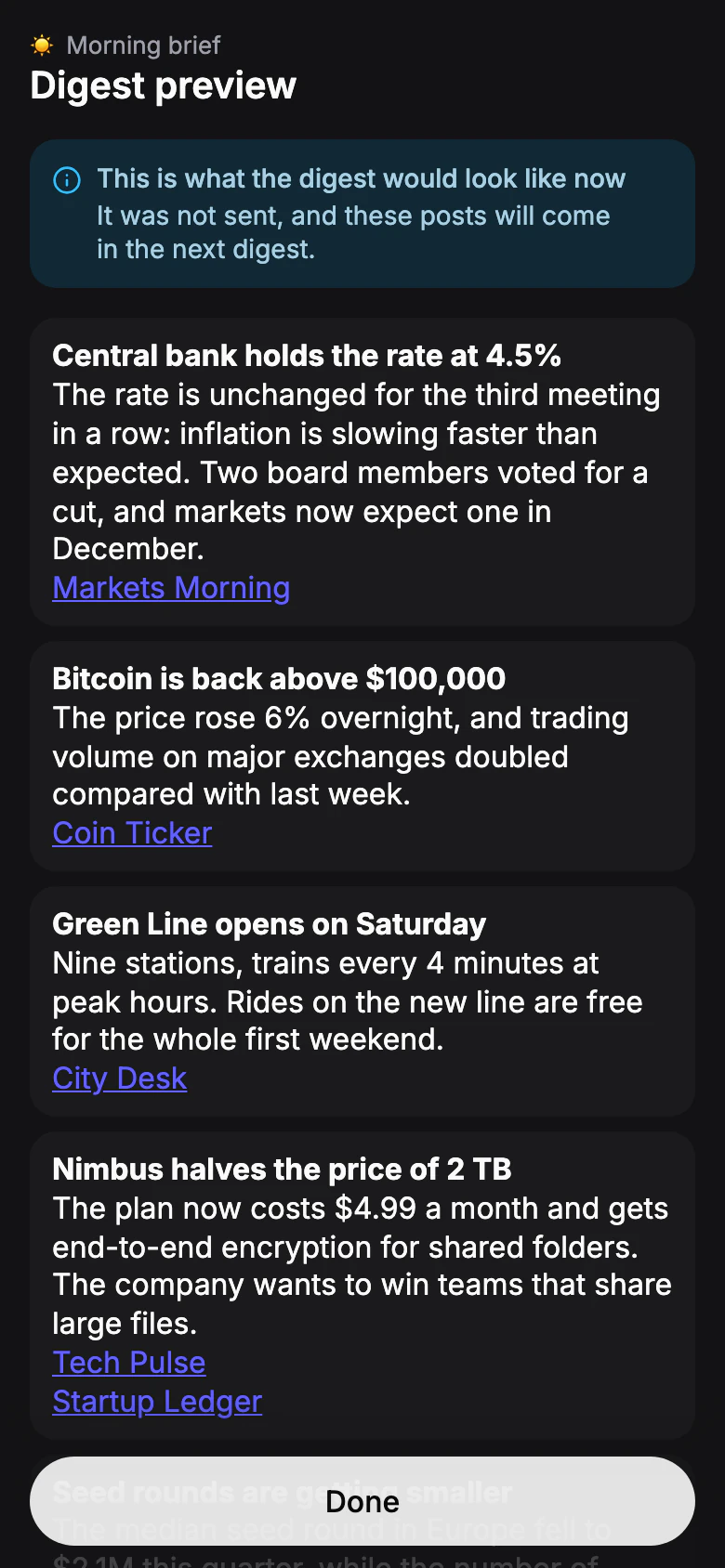
Save and check
Tap Save. For a digest, run Preview to see what the issue would look like now with the new filters. Nothing is sent.
If the preview is empty, the filters removed everything from the last day — remove a keyword or a stop word and try again.