Docs Guides
Create your first digest
From an empty account to a digest in your chat. You need Telegram and the channels you want to read.
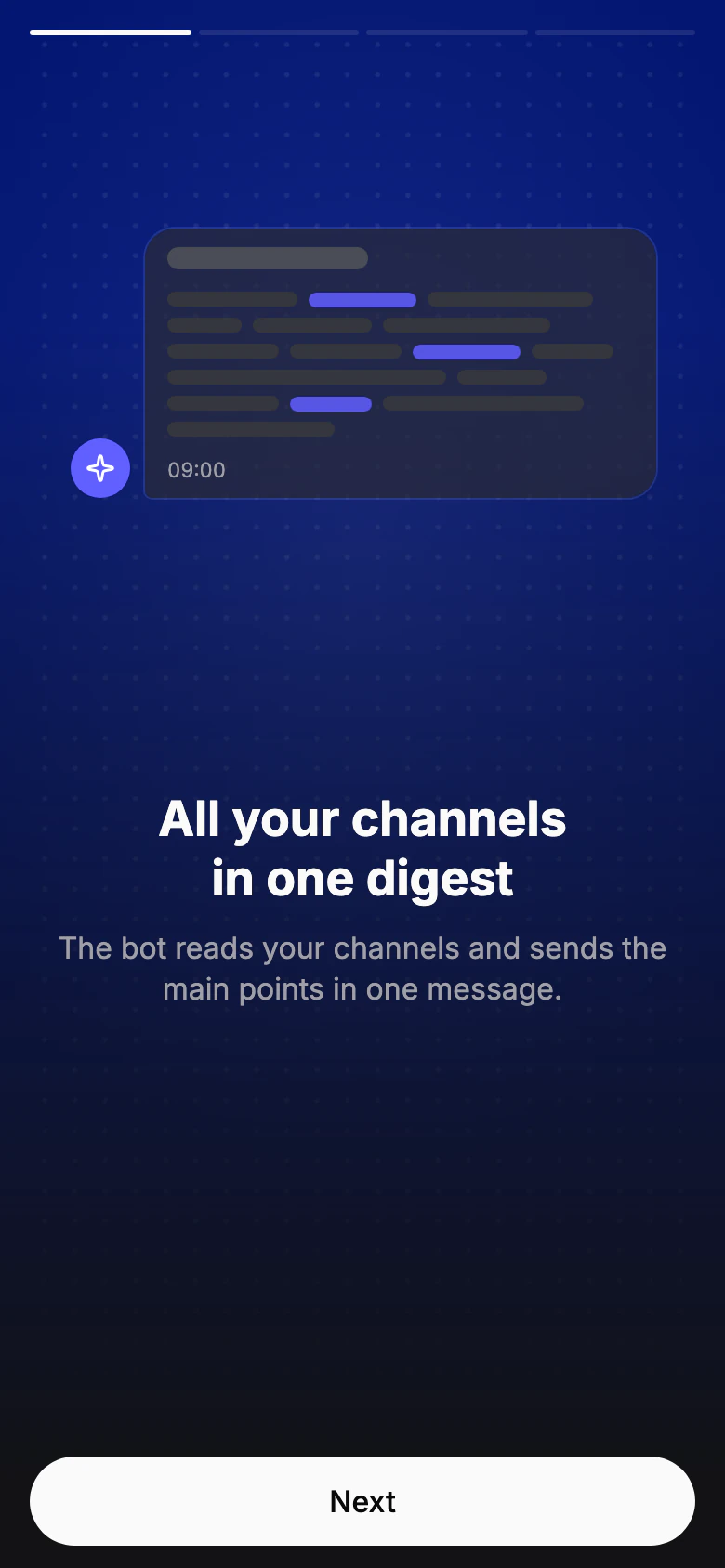
Open the bot
Start the bot in Telegram and tap the button to open the app. A new account gets Pro for 7 days, no card needed.
The app opens right inside Telegram.
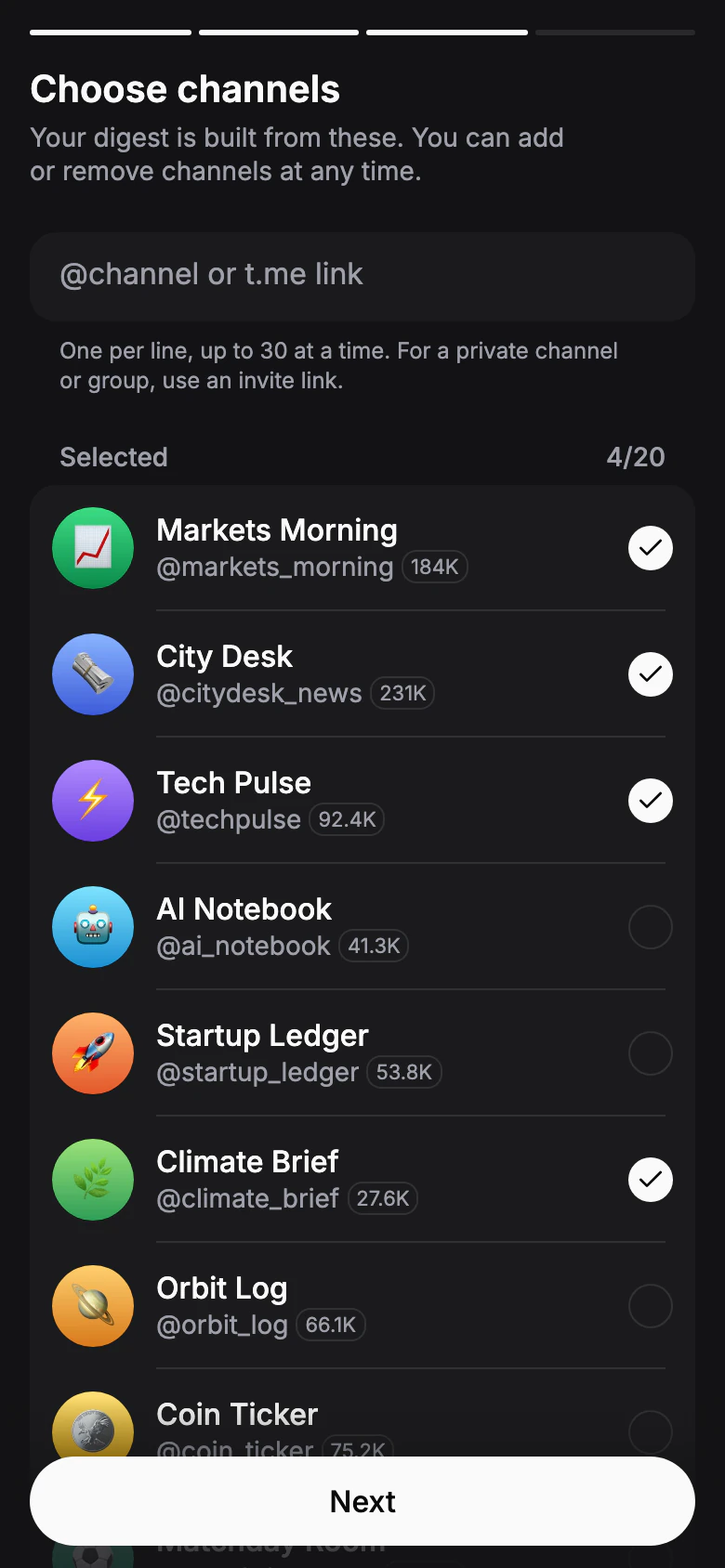
Choose channels
Pick from popular channels, or paste @names and t.me links. Your digest is built from these, and you can add or remove channels at any time.
Private channel or group? Use its invite link.
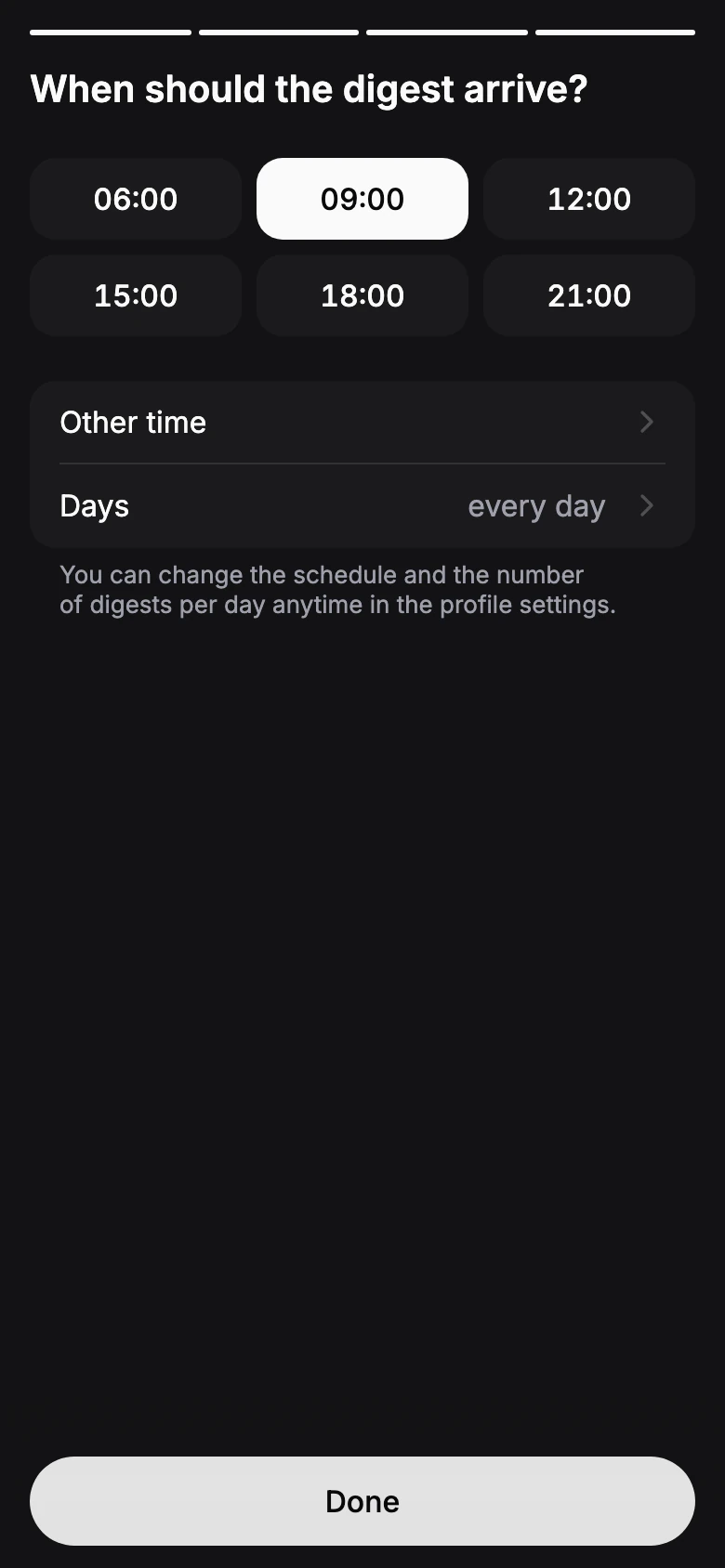
Pick a time
Choose when the digest should arrive. Once a day is a good start; add more times and change the days later in the profile's schedule.
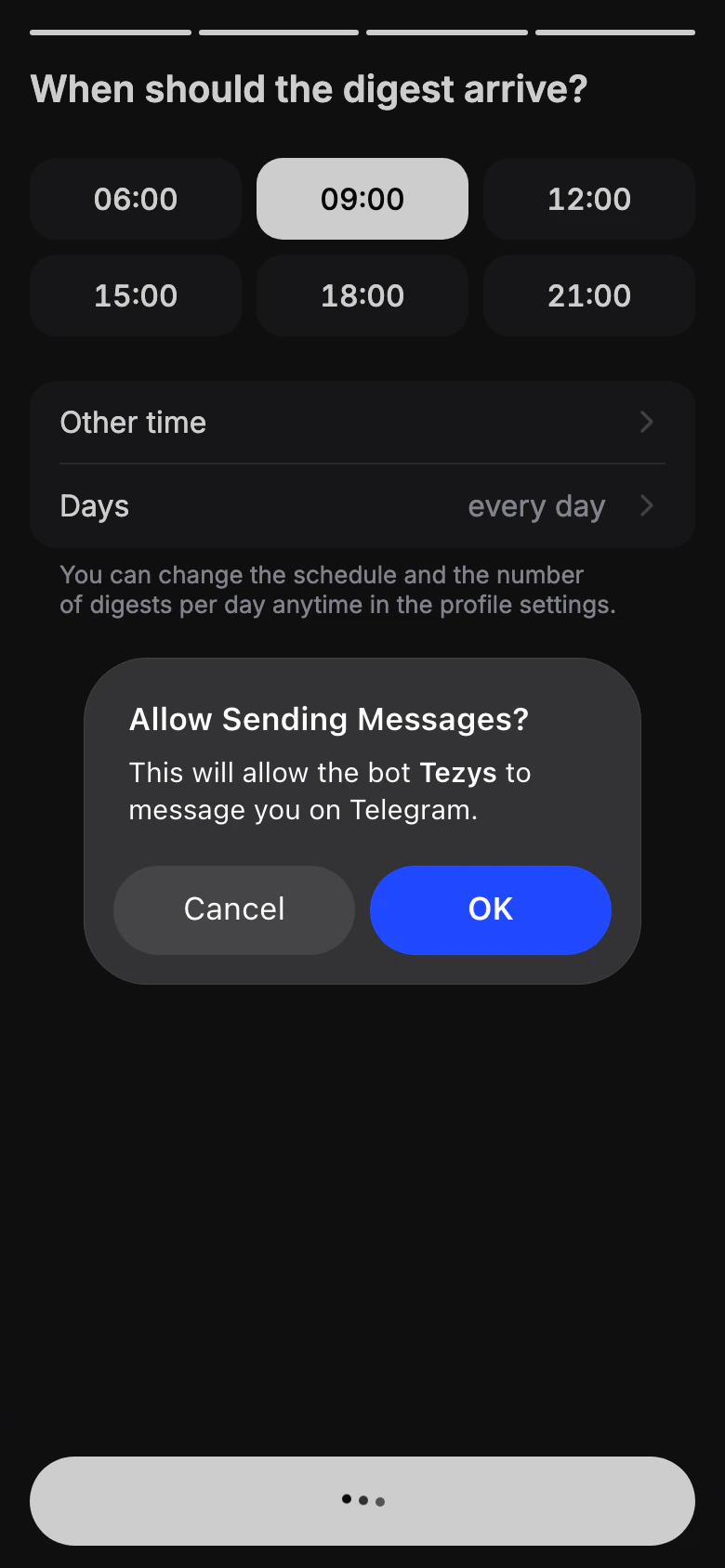
Let the bot message you
If Telegram asks whether the bot may message you, tap Allow: digests arrive in your chat with the bot.
Skipped it? The app shows Issues aren't arriving — tap Allow there.
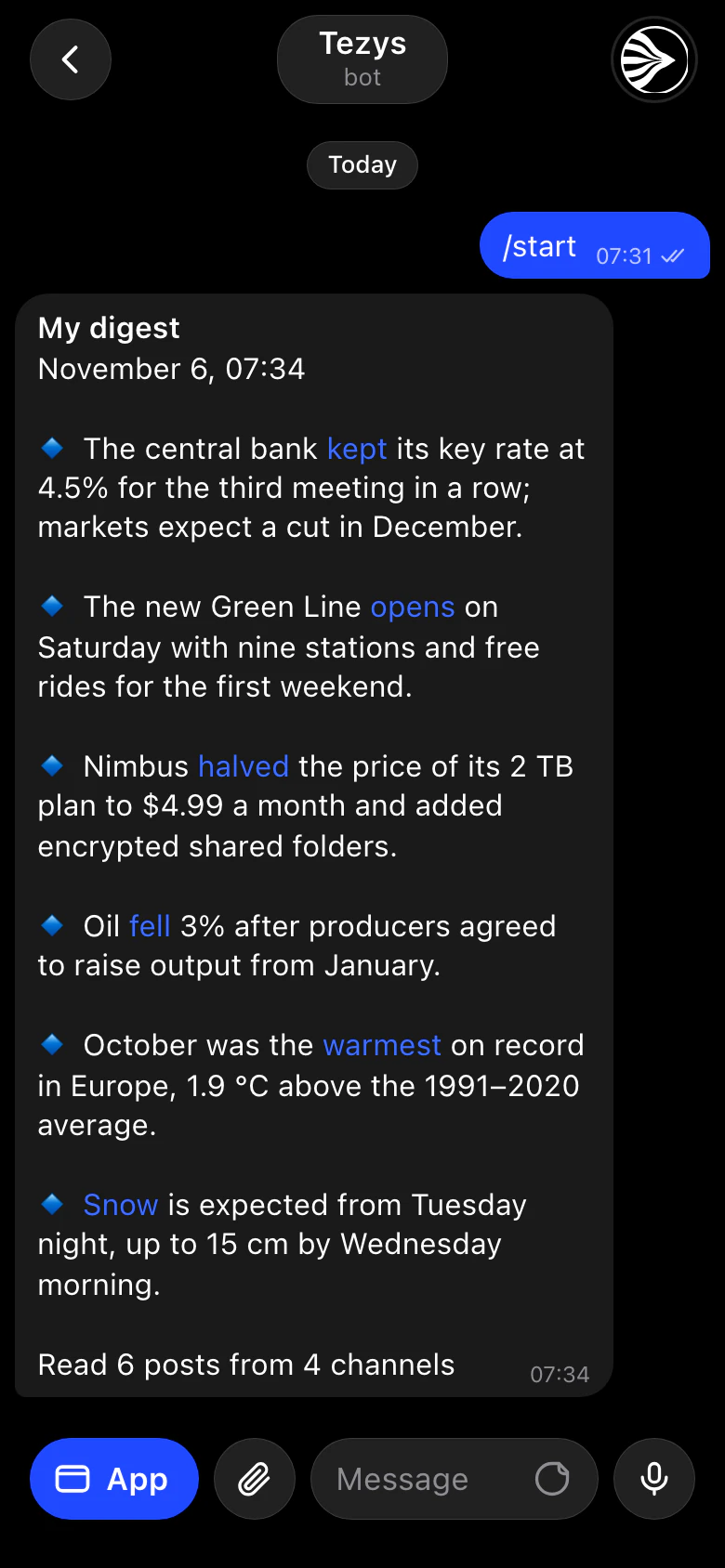
Get the first digest
The first digest covers the last day and arrives in the bot chat shortly: the main stories in one message, one line each. After that, issues follow your schedule.
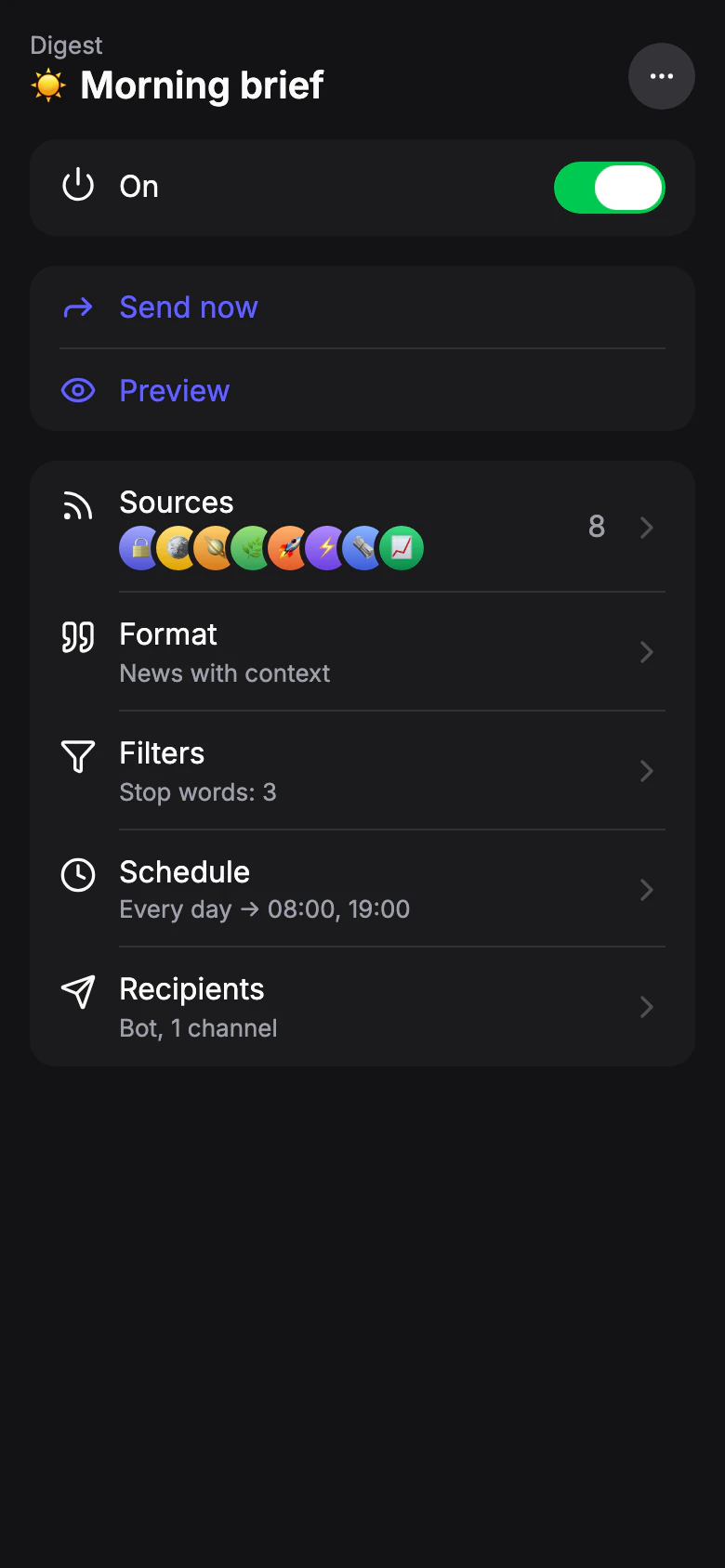
Fine-tune the profile
On the Digests tab, open My digest to change the style, add word filters, send to a channel, or run a preview to see the result without sending it.