Docs Styles
Built-in styles
Ready-made ways to write a digest. Pick one in the profile's Format section, or use it as a starting point for your own.
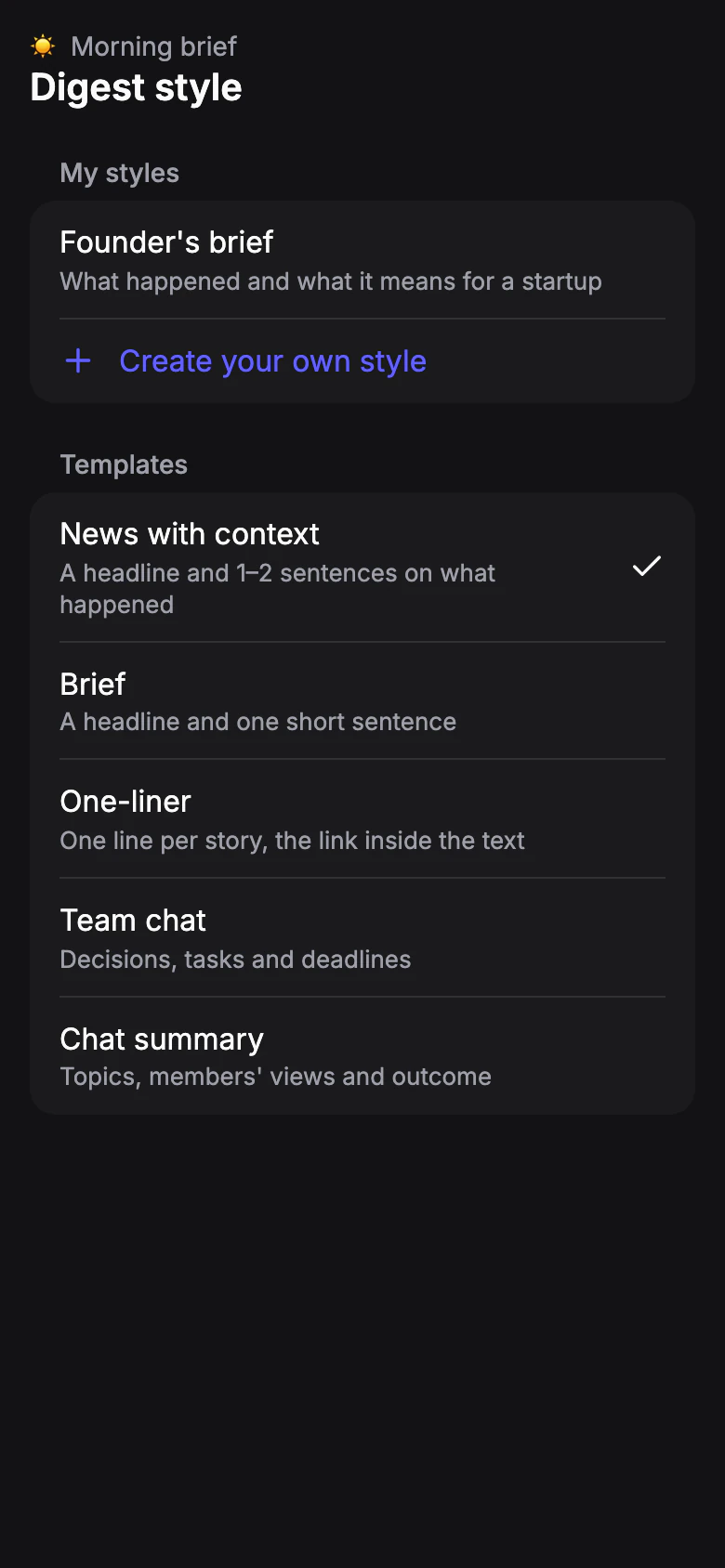
Every style picks the significant stories from new posts and skips minor noise. They differ in how much they write about each story.
News with context
A headline and 1–2 sentences on what happened. Posts where an author shares an opinion on an important topic are included too, with the gist in one sentence. The default for new profiles.
Brief
A headline and one short sentence: only the fact, no assessments. For quick scanning.
One-liner
One line per story, the link inside the text. The most compact issue; the profile made when you first open the app uses it.
Team chat
For work groups. Each issue that was discussed becomes one item: what was decided, who does what and by when. If nothing was decided, the digest says so. Chatter that isn't about work is skipped.
Chat summary
For group chats. Each topic that was discussed: what it's about, members' main views with their names, and the outcome — what was agreed, or that there's no agreement yet.
Using a style as a template
In Settings › Digest styles, open a style under Templates and tap Edit: a copy opens, ready to change and save as your own. See Your own styles.