Docs Guides
Post to your channel or group
Send digests or forwarded posts straight to a channel you run, a team group or a group topic.
You need to be an admin of the channel or group with the right to add admins: the bot joins it as an admin.

Open Recipients
Open the profile, go to Recipients and tap Add.
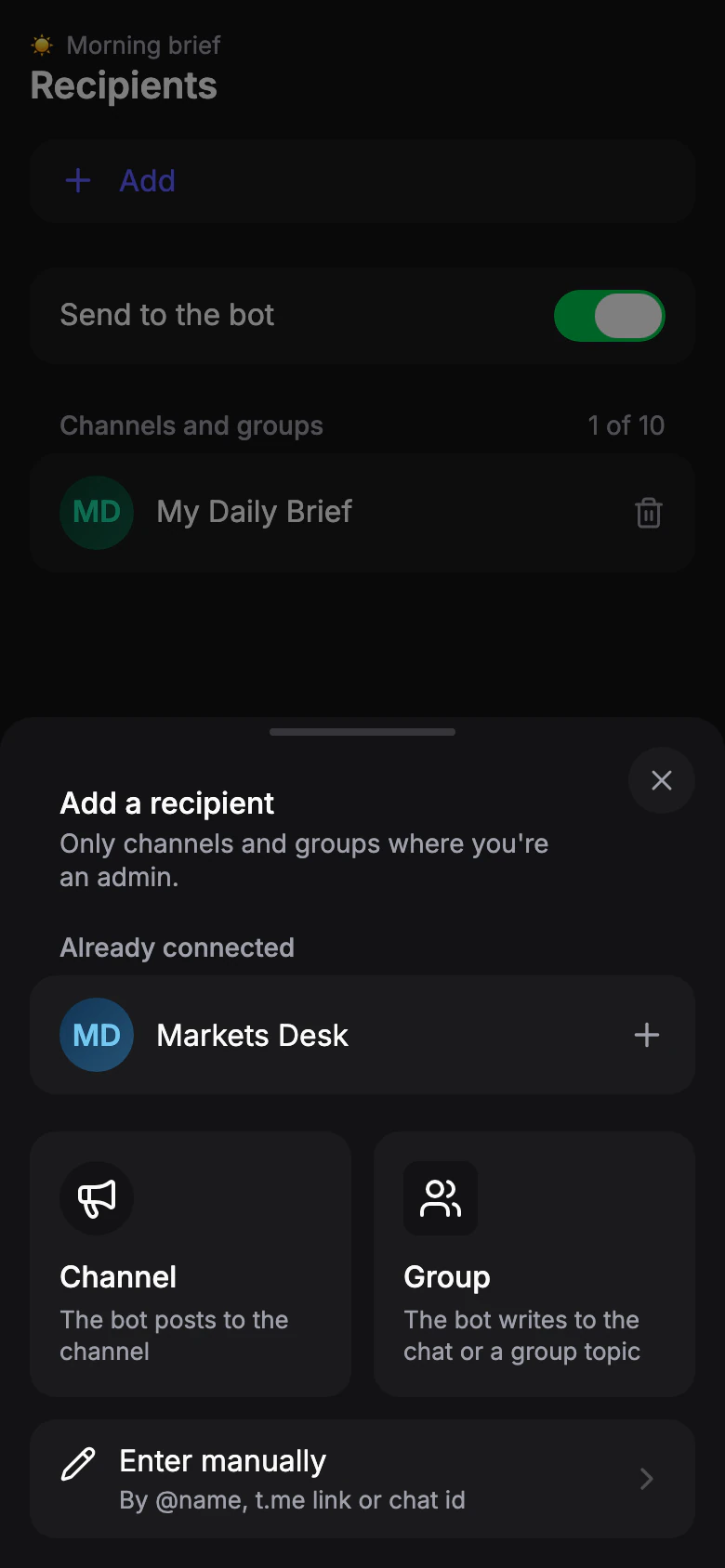
Choose Channel or Group
Tap Channel or Group. The app closes and the bot chat opens with a Pick channel or Pick group button at the bottom of the screen.
Already connected to another of your profiles? It's listed at the top — tap it to add.

Pick the chat
Tap the button and choose the chat. Telegram adds the bot there as an admin. The bot confirms the chat is added to the profile.
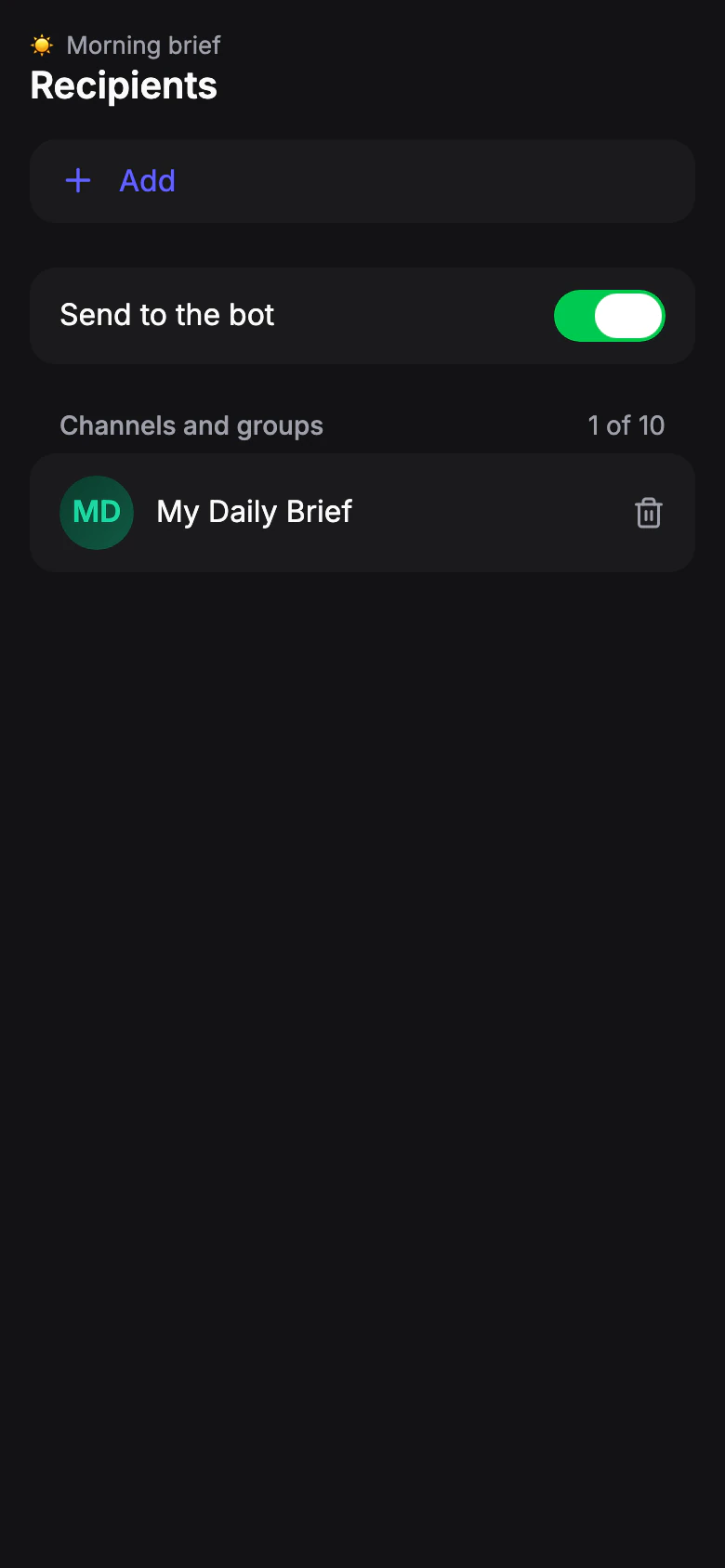
Back to the app
Tap Back to the app under the bot's reply. The chat is now in the list, and the next issue goes there.
Don't need issues in the bot chat any more? Turn off Send to the bot.
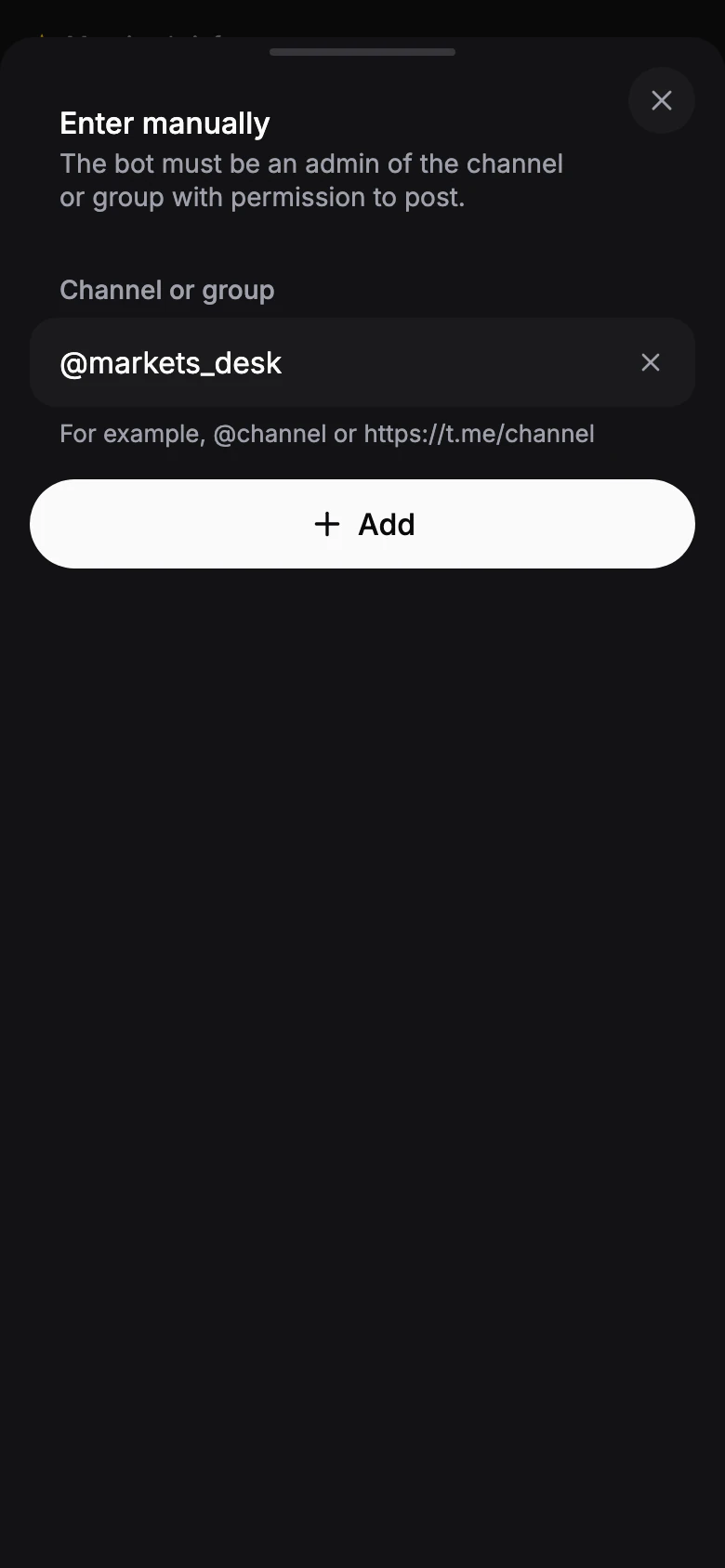
Post to a group topic
To send to one topic of a group, tap Enter manually and paste a link to the topic. The bot must already be in the group.