Docs Profile settings
Recipients
Where a profile sends issues and posts — your chat with the bot, your channels, groups and group topics.
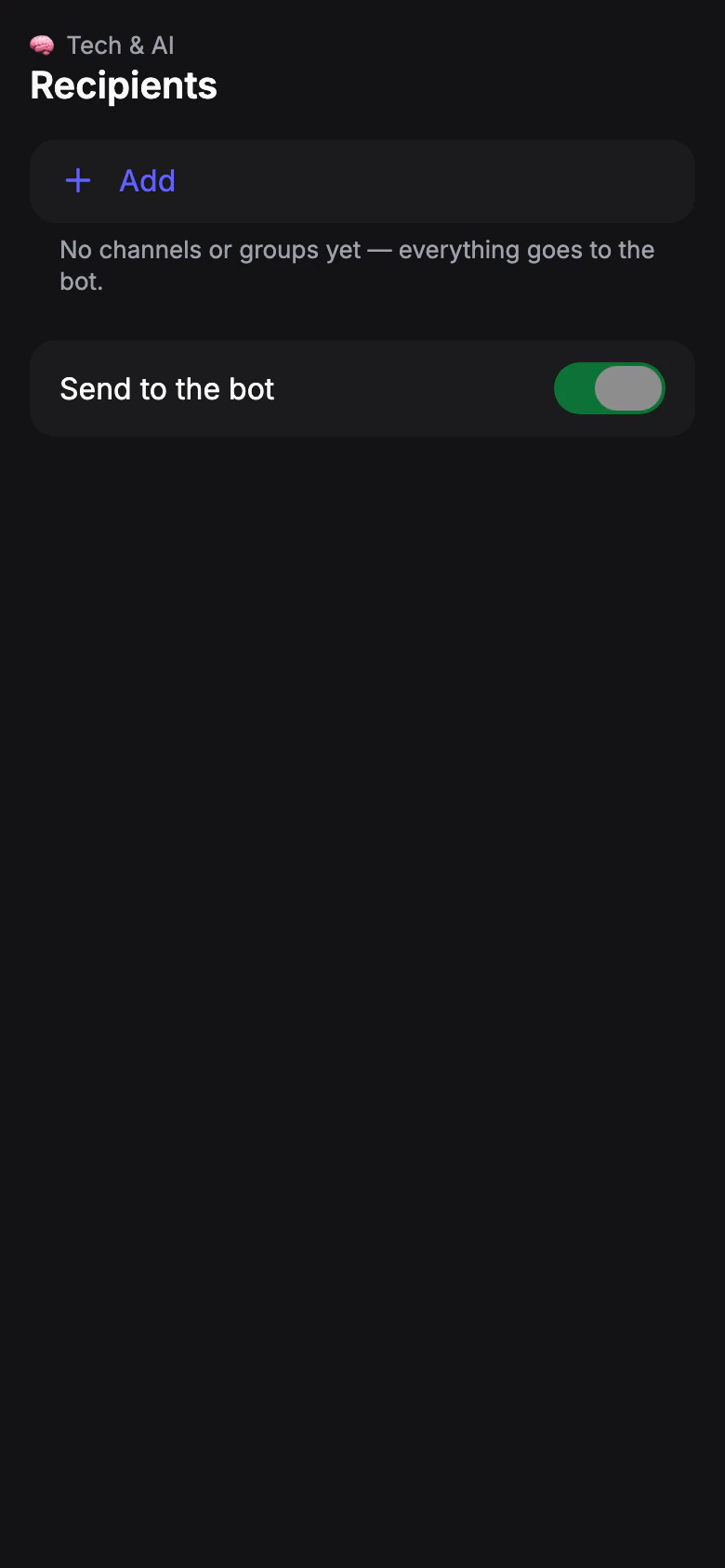
Changes here apply right away, without Save.
Send to the bot
Default: OnIssues and posts arrive in your chat with the bot. It can be turned off only when the profile has a channel or group: everything has to arrive somewhere.
Channels and groups
Default: noneTap Add, then choose:
- Channel
- The bot posts to the channel.
- Group
- The bot writes to the chat or a group topic.
The bot sends a button in its chat; pick the chat there, and it's linked to the profile. Only channels and groups where you're an admin can be picked. Channels and groups already connected to your other profiles appear at the top of the list, ready to add.
Enter manually works too: an @name, a t.me link or a chat id. The bot must be an admin of the channel or group with permission to post. To post to a group topic, paste a link to the topic.
Limit: Free: 1 · Pro: 10
The limit is for the whole account. A chat that already gets issues from another of your profiles doesn't take another place.
When a recipient stops working
- Bot removed
- The bot was removed from the chat. Add it back, or delete the recipient.
- Paused: over plan limit
- Your plan has fewer recipients than the profile uses.