Docs Profile settings
Post processing
Changes a post before it is forwarded: removes links and hashtags, replaces words, cuts channel signatures and adds yours.
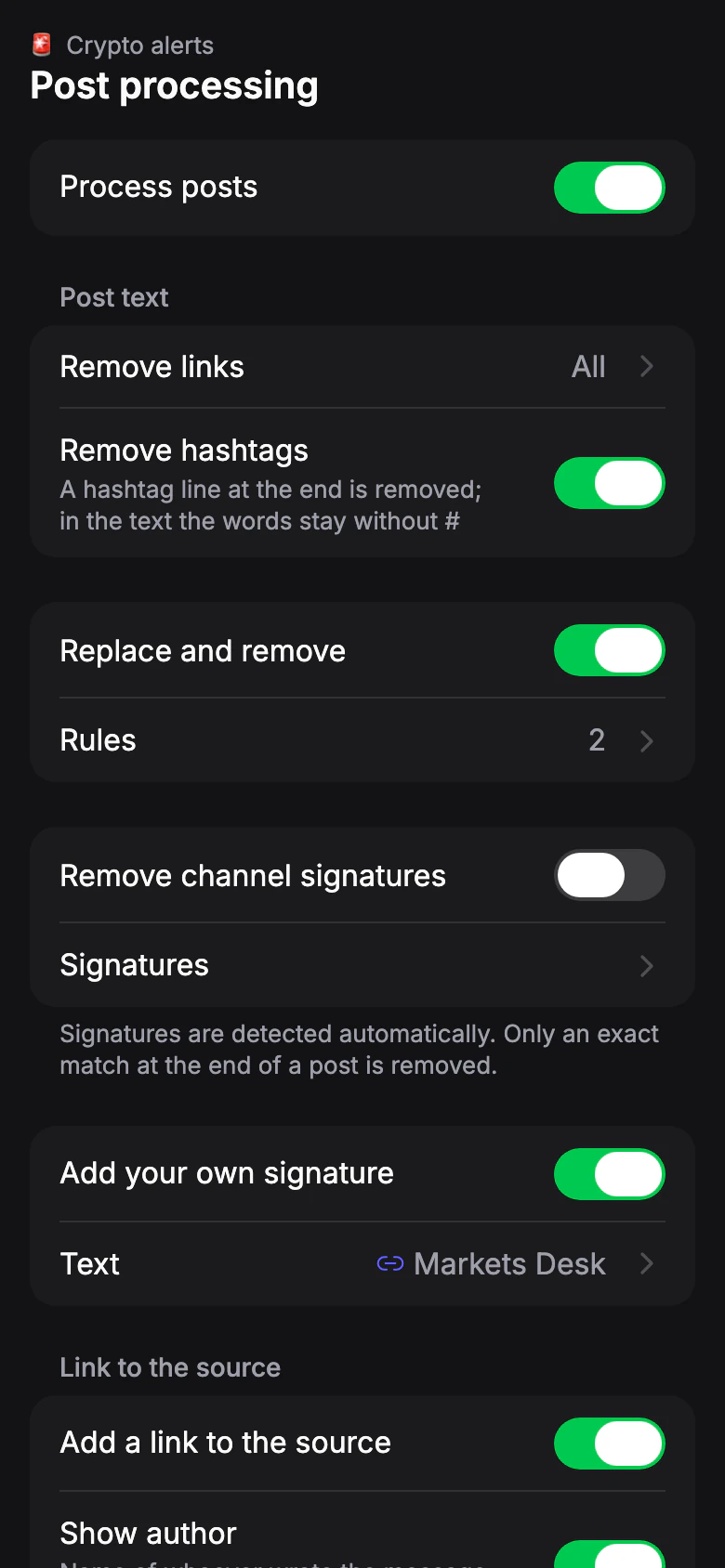
Turn on Process posts to see the settings below. Changes apply to new posts; posts already sent stay as they were.
Use See how a post will look to check the result on recent posts from your sources. Nothing is sent. If no text is left after processing, the post isn't sent.
Limit: Free: — · Pro: ✓
Remove links
Default: NoWhat happens to links and @mentions in the post text.
- No
- Links and @mentions stay as they are.
- Telegram only
- Telegram links and @mentions are removed, other links stay. Linked text doesn't disappear.
- All
- Linked text stays. Addresses and @mentions typed right in the text are removed.
Replace and remove
Default: OffA rule finds a phrase in the post and replaces or removes it. Case doesn't matter.
- Find
- The phrase to look for.
- Replace with
- Leave empty to remove the phrase.
Limit: Free: — · Pro 20: 5 · Pro 50: 10 · Pro 100: 30 rules
If your plan has fewer rules than your list, the first ones work and the rest are paused.
Remove channel signatures
Default: OffSignatures are detected automatically. Only an exact match at the end of a post is removed. Open Signatures to check each channel: keep a signature, edit it, or add one manually.
Add your own signature
Default: OffAdded at the end of every post.
- Text
- The signature itself, for example @my_channel.
- Link
- Optional. The signature text becomes a link: a website, a t.me link or a @channel works.
Add a link to the source
Default: OnA link to the original post.