Docs Profile settings
Filters
Get only posts with the words you need and drop posts with words you don't.
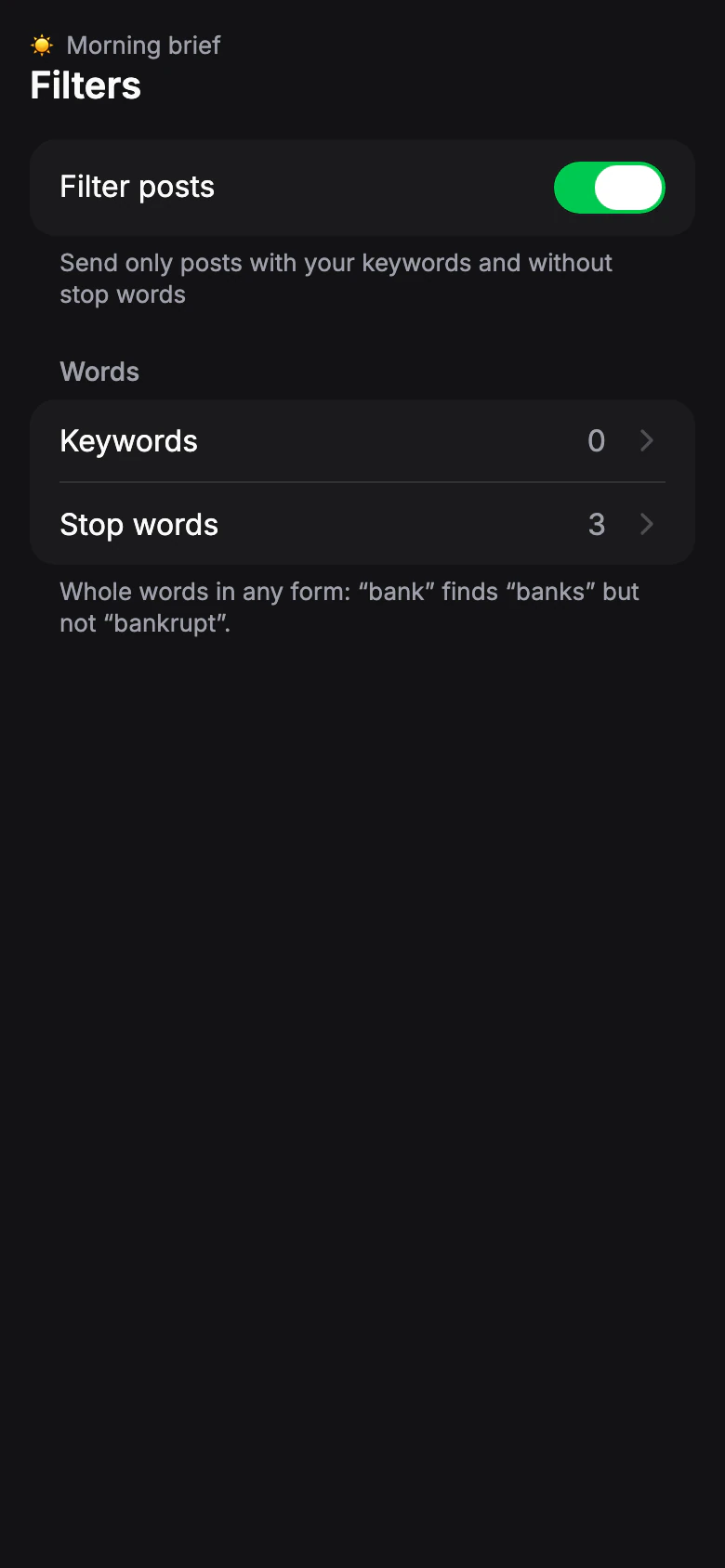
Filter posts
Default: OffNo filters: every post from the sources gets through. Turn on to set the words below. Turning filters off doesn't erase your words — they come back when you turn it on again.
Which posts to send
Default: AllForwarding profiles only. Choose the type of post before words are checked.
- All
- Only with media
- Posts with a photo, video, file or other media.
- Text only
- Posts without media.
From channels that restrict copying, only text, photos, videos and files are forwarded.
Keywords
Default: noneOnly posts with any of the keywords get through. Leave empty to let every post through.
Limit: Free: 3 · Pro 20: 10 · Pro 50: 30 · Pro 100: 50 keywords
Stop words
Default: nonePosts with stop words are skipped. A stop word always wins: a post with both a keyword and a stop word is skipped.
Limit: Free: 3 · Pro 20: 10 · Pro 50: 30 · Pro 100: 50 stop words
How words match
Whole words in any form: “bank” finds “banks” but not “bankrupt”. If your plan has fewer words than your list, the first ones added work and the rest are paused.